
Character Aliases
Look up a character's equipment and recorded names.
/charinfo LEGACY AQW BOT
Character aliases, guild commands, and AQW chat relay for Discord.
This is the original bot. It's had some updates to the client and settings, but it's still the legacy version.
 Alina used
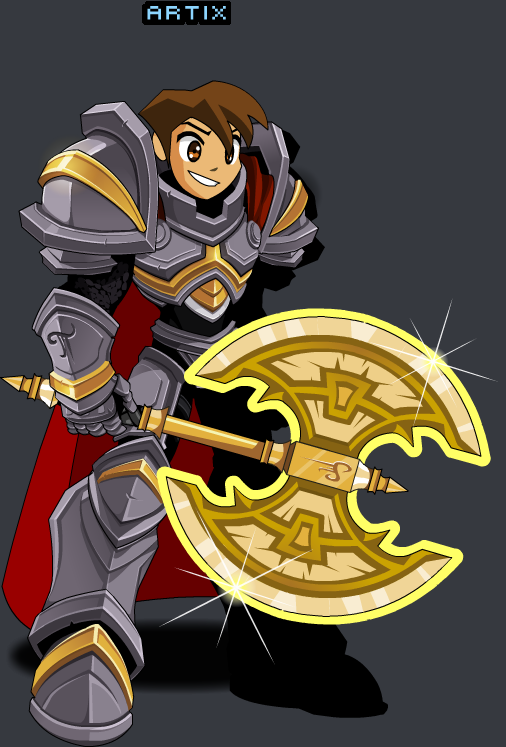
 /charinfoArtix's character card, with equipment links and a character thumbnail.
Alina used /charinfoAn example character with recorded previous names. Artix's card above shows None.
[Guild] GuildBot: <Artix> Anyone joining for dailies?
[Guild] Twilly: I'm in. Meet you in Battleon!
[Guild] Alina: On my way.
Guild chat travels both ways between Discord and AQW.
[Zone] GuildBot: <Alina> One more for the boss?
[Zone] Artix: I can help.
Talk to players in the client's current room through your Zone Chat channel.
Global Chat connects configured Discord channels across servers. It is separate from in-game guild chat.
[Guild] AllyBot: <(Guardians of Lore) Artix> Need a hand with dailies?
Share chat with accepted allies. Configure Alliance Chat on both servers to relay their messages.
Alina used /guild membersBrowse the guild roster, including ranks, levels, and current servers.
Alina used /guild onlineSee online guild members grouped by AQW server.
Follow membership changes in your Guild Logs channel.
Alina used /clientmanageAccept requests and manage allies through /clientmanage or the dashboard. Shown controls are examples.
See when the client finishes logging in.
Connection failures include a reason in your Client Logs channel.
Logging out stops the client and turns off Auto Reconnect.
Look up a character's equipment and recorded names.
/charinfoRelay AQW chat to Discord and connect allied servers.
/clientmanageView members, check who's online, and manage your guild.
/guild